

Beyond the main card and board games
Andar Bahar, Dragon & Tiger, 7 Up Down, Jhandi Munda and Roulette also appear as separate entries in the game menu.

Public sources reviewed; the downloadable APK, current account eligibility and payment outcomes have not been independently tested.
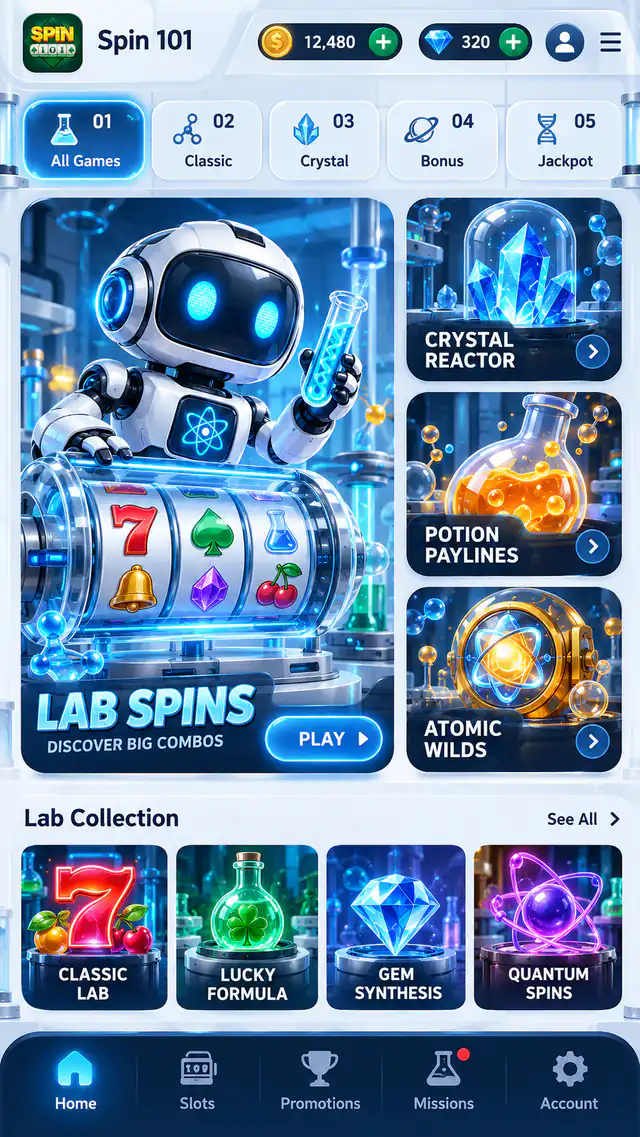
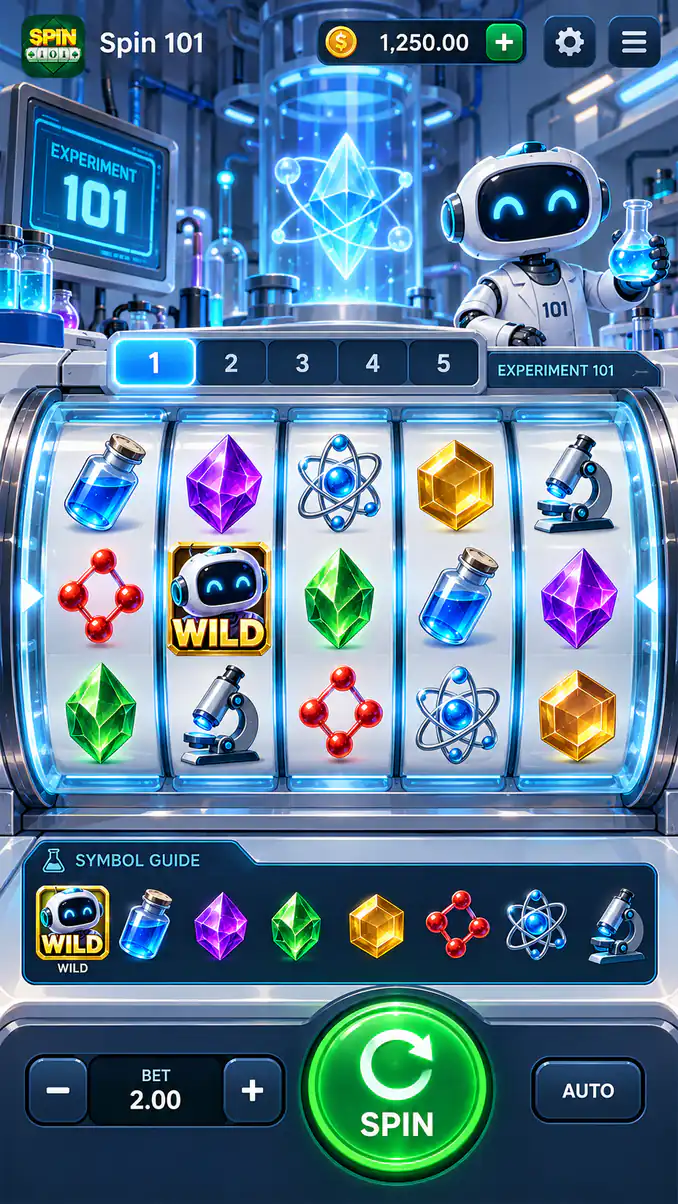
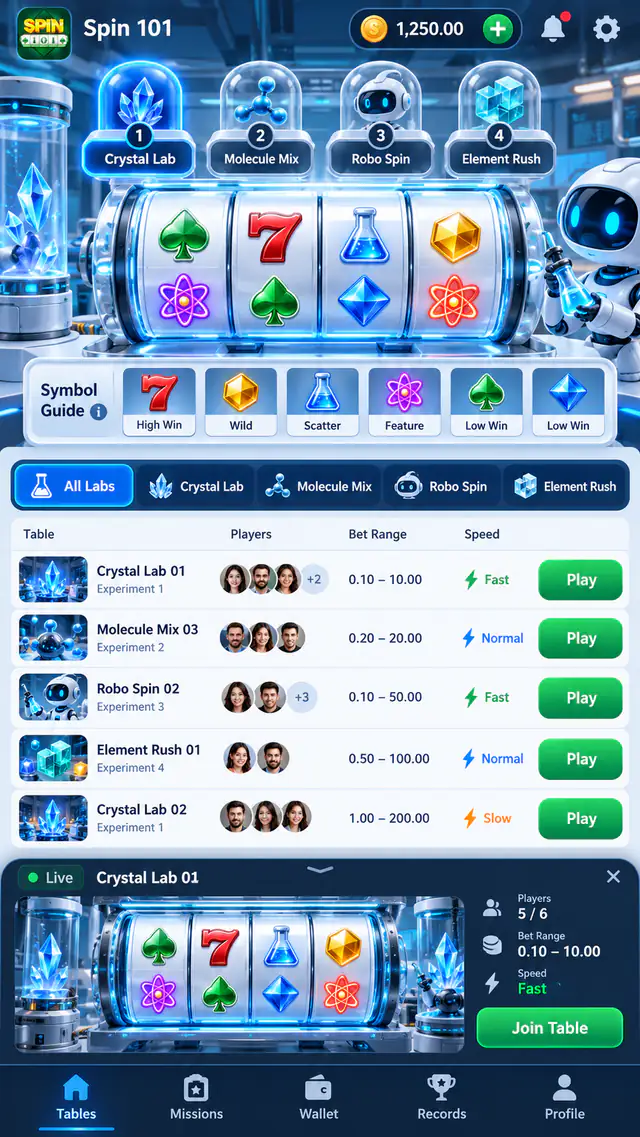
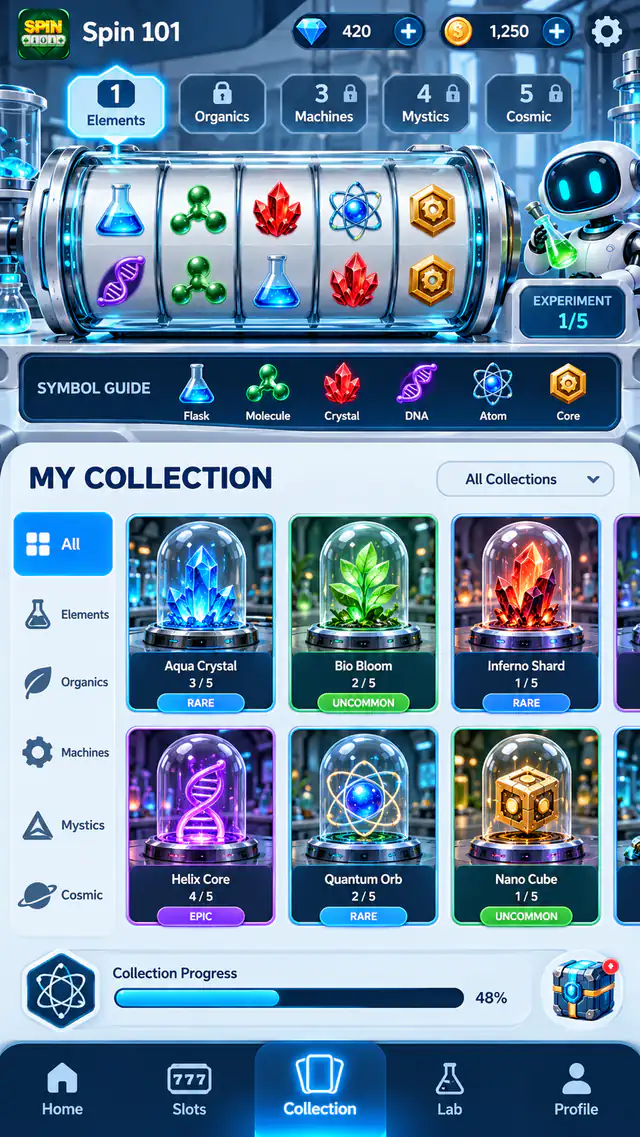
Images may show earlier layouts. They do not establish the current APK version or available offers.
Spin 101’s website lists Rummy, Poker, Ludo and Crash, with Points Rummy tables, tournaments and Salon rooms for group sessions. Its channel also publishes exchange-code instructions and Inbox deadlines. This guide brings those sources together while separating the published feature list from what has been verified about a downloadable Android file.
The reviewed material comes from spin101official.com and the cited Spin 101 channel. It identifies a branded game collection and account instructions, but does not independently match a downloaded file to a package and signing certificate.
This is a source-based app guide. It does not report a hands-on APK test, verified install count or user rating.
A regular Rummy table and a tournament entry have separate conditions. The public menu identifies those choices, but the selected session supplies the settings; use the current room or event instructions before arranging group play.
Andar Bahar, Dragon & Tiger, 7 Up Down, Jhandi Munda and Roulette also appear as separate entries in the game menu.
Check the selected game’s rules, entry conditions and practice options in your release before joining a session.
The game menu and exchange-code notices are separate sources from an APK release. Confirm that the final file belongs to the intended Spin 101 product, and compare its package and signer when replacing an existing installation.
Download buttons may use a third-party promotional service. A button is not a certification of the file it supplies.
APK source and file checksAfter checking the Spin 101 file and its source:
The figures below are a general device reference, not this app’s minimum requirements. Check the requirements supplied with your APK version.
Some Spin 101 Inbox offers have an activation deadline. Reopen the original message to check the claim period; a visible balance or old announcement does not extend an expired activation window.
If an offer appears in your account, read its eligibility, expiry, qualifying payment and play-through rules. Distinguish a promotional balance from money eligible for withdrawal. Save the terms shown when you accept an offer.
The reviewed Spin 101 material explains games and code claims, but does not establish current payment methods, withdrawal limits or transaction performance. Resolve those details in the operator’s current account terms before treating a claimed offer as withdrawable funds.
Before paying, check the account’s payment methods, amount limits, fees and recipient. Read withdrawal verification requirements and processing terms separately; a supported payment method does not guarantee a completed withdrawal.
Keep the transaction reference for support. Do not follow payment instructions from an unsolicited private message.
Spin 101’s channel includes customer-service links. Use the contact attached to the relevant account notice, keep the exchange-code response or Inbox message, and share only the account details needed to identify the issue.
Keep your login and one-time codes private. Do not give a support contact your UPI PIN, payment password or remote access to your phone. Use the provider’s privacy and account-deletion process; removing the app alone does not delete information already submitted.
Money-based games can result in losses. They are intended for adults where the specific product is available and permitted. Set a spending and time limit, avoid borrowing to play, and stop when play causes stress or financial pressure. Bonuses and past results are not an income plan.
Limits, breaks and responsible useThe sources support a mixed-game menu, Salon sessions and specific claim controls. They do not verify the downloaded APK or an account’s eligibility, so confirm the installed product and the particular message before following a claim route.
No. This is an independent information directory. Spin 101’s operator is responsible for its games, player accounts, support and any transactions.
No APK installation or security audit is claimed here. This guide reviews the cited public information; check the final download’s publisher, package and signing details before treating it as the same product.
No. Exchange codes and Inbox offers may have account restrictions or deadlines. A claim instruction does not guarantee a reward, a successful withdrawal or income.
Use the Salon room option in the Rummy selection. Choose the same game and room with your group.
Open Special Exchange Code, enter the code and select Claim. Check the displayed result before trying again.
The records below support this guide. Their review dates describe source checks, not APK releases or a test of the download file.
Named game selection and advertised Salon Club, VIP Club and leaderboard.
Source review: 2026-10-26Special Exchange Code → enter code → Claim, inbox activation deadlines and customer-service links.
Source review: 2026-10-23Use the support route identified by the app provider for account, game or payment help. Free Rummy Games publishes this guide and cannot access app accounts or process withdrawals.
Report a page issue
Published game rules, tournament terms and APK guidance.

Website game information, SMS access and activity conditions.
Game sessions, VIP notices and referral-progress guidance.
Rummy, Ludo and Salon Club: app information and source checks.
Published games, Mailbox codes and invitation guidance.

Published game and account information with source limitations.